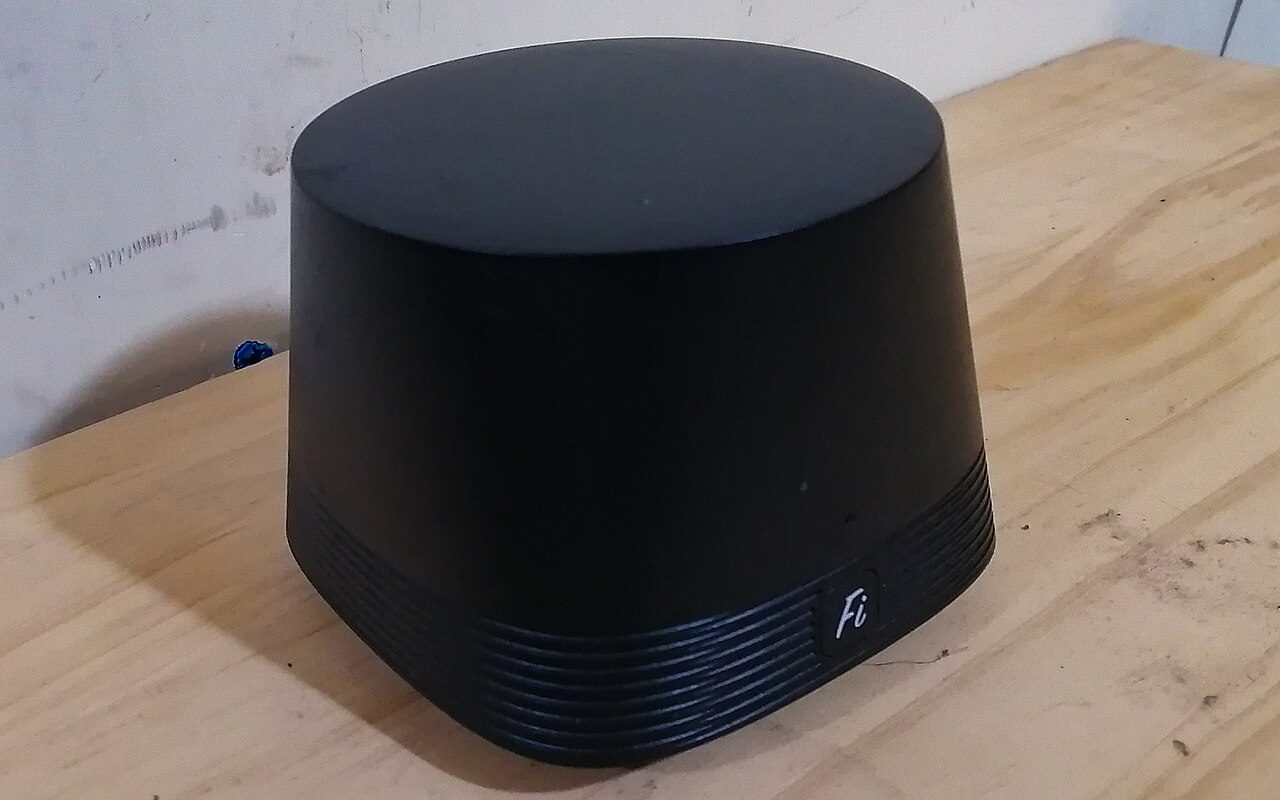
A traditional router is a bit like a single stereo playing in one room: great nearby, faint everywhere else. Mesh Wi-Fi swaps that lone box for a small team of units spread around the house. One plugs into your modem and acts as the base, while the others, often called nodes or satellites, link up with it and rebroadcast a strong signal so the far corners of your home get decent coverage too.
The key difference from a cheap range extender is that mesh creates one seamless network. Extenders usually spin up a second network that doesn't coordinate well with your router, which is fine for a sprinkler controller but frustrating for streaming. Mesh nodes come from the same maker, talk to each other constantly, and are managed from a single app with one network name and password.
- Best for larger or multi-story homes, thick walls, or spots like a detached garage
- Usually overkill for a small apartment, where one unit may be enough
- Easy to expand later by adding a single extra node
- Apps often include placement tips, parental controls, and ad blocking
The trade-offs are modest. Mesh kits often cost more than a basic router, though affordable multi-packs exist and can beat the price of a high-end router plus extenders. Tinkerers may miss advanced settings that some platforms hide. Placement matters most: follow the app's guidance so nodes aren't too far apart, and if you end up with a spare unit, it makes a thoughtful gift for a friend with a spotty connection.
Source: How-To Geek